Six semesters of notes,
finally in one place
instead of ten group chats.
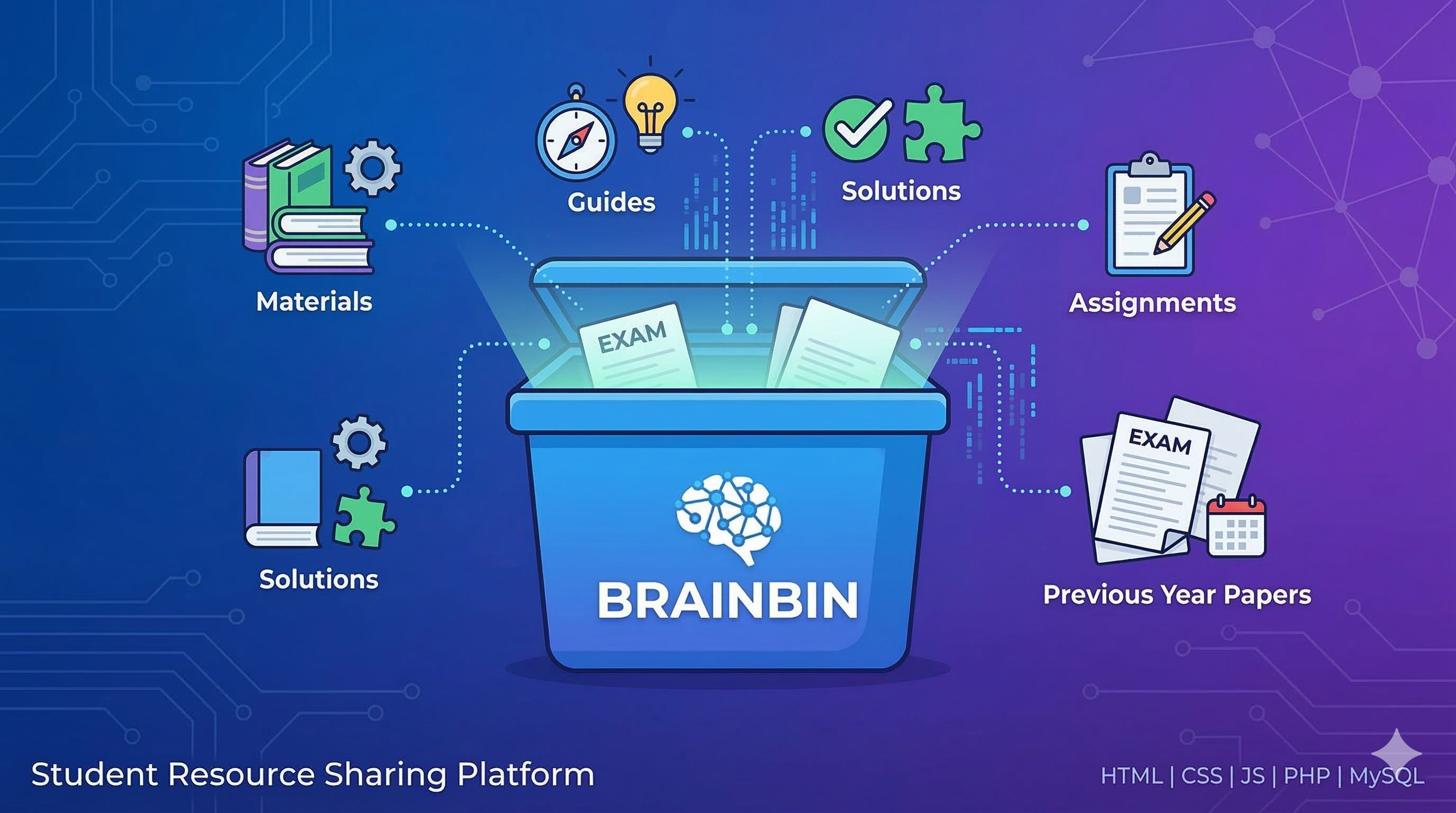
BrainBin centralizes semester-wise study materials, college events and Google Drive resources behind a plain login — built on PHP, MySQL and prepared statements, with an admin panel for the person who actually has to keep it organized.
Just user and admin — no in-between.
There's no faculty tier here. Every account is a row in users with a role column; admins get a second dashboard, students get the portal. Status checks (active / inactive) gate login before role even matters.
Student
role: "user"Signs up with a college email, lands on a dashboard built around six semester cards plus a collective materials browser.
- Browse materials by semester & subject
- Open linked Google Drive folders
- See upcoming college events
- Download server-hosted material files
Admin
role: "admin"The same login screen, a different landing page — full control over users, events, and which Drive folders map to which subject.
- Promote, demote, activate, deactivate, delete users
- Create and manage college events
- Link Drive folders to semester + subject
- Read the full audit log
7 modules. Each one a real PHP endpoint.
Pick a module on the left — every panel lists the actual feature set and a live sample of how it behaves, checked against the project's own PHP files and SQL queries.
Authentication
POST signup.php · login.phpPlain username/password auth with PHP's password_hash(), prepared statements against MySQL, and a status check that runs before the password is even verified.
- Username: 3-50 alphanumeric characters, server-validated
- Password hashed with bcrypt via password_hash()
- Inactive accounts are blocked at login, not just hidden
- Every login and signup writes a row to audit_log
Live signup validation
Student Dashboard
GET dashboard.phpThe landing page after login — six semester cards, an "All Study Materials" shortcut, upcoming events pulled live from MySQL, and an FAQ accordion.
- One card per semester (1st through 6th)
- Upcoming events queried straight from the events table
- Session timestamp refreshed on every dashboard load
- Plain-JS FAQ accordion, no framework needed
Click a semester
Study Materials
GET get_materials.php · download_material.phpThe server-hosted half of the materials system — files uploaded directly through the admin panel, tracked in a study_materials table with a running download count.
- Filtered by semester (1-6) on every request
- Joined against users to show who uploaded each file
- download_count increments on every fetch
- File size converted to KB for display
Semester 3 materials
Google Drive Resources
GET get_drive_materials.php · POST admin_drive_actions.phpThe newer, recommended path: instead of uploading files to the server, an admin links a Drive folder to a semester + subject + material type, and it shows up for every student instantly.
- No storage limits — Drive holds the actual files
- One dropdown form: semester, subject, material type
- Grouped by semester then subject on the student side
- Automatic per-user access grant is wired but currently disabled in signup.php
Admin: link a new folder
Event Management
GET manage_events.php · POST event_actions.phpFull CRUD for college events — admins create and remove them, students see the read-only upcoming list on their dashboard.
- event_name, event_date, description, status fields
- Status is open or closed, shown as a colored pill
- Newest events sort first, ordered by event_date
- Deletes are immediate — no soft-delete flag
Add an event
User Management
POST admin_actions.phpOne action endpoint, four operations — change_role, toggle_status, delete_user, all gated by a server-side admin check, and all blocked from targeting your own account.
- Promote / demote between user and admin
- Activate / deactivate without deleting the account
- Hard delete, with no self-delete allowed
- Every action writes to audit_log with an IP address
Directory — try the row actions
Audit & Analytics
GET admin_dashboard.phpThe numbers on the admin landing page are live COUNT() queries, not cached stats — total users, total admins, total and open events, plus the 10 most recent audit_log rows.
- 4 stat cards computed on every dashboard load
- Audit log joined against users for the actor's name
- Logs every signup, login, role change and deletion
- No log rotation yet — table grows indefinitely
Admin overview
6 MySQL tables, inferred from the live queries.
There's no ORM here — just prepared statements. This schema is reconstructed directly from the SELECT/INSERT calls in the PHP files, since the SQL setup scripts described in the README aren't included in this checkout. Blue fields are foreign-key-style references.
users
events
study_materials
drive_resources
drive_permissions
audit_log
The LAMP stack, on purpose.
No build step, no framework, no node_modules. The kind of stack you can read top to bottom in an afternoon — which is sort of the point for a Web Frameworks coursework project.